Services
Integrations
Let data move between your systems on its own, instead of someone copying it by hand.

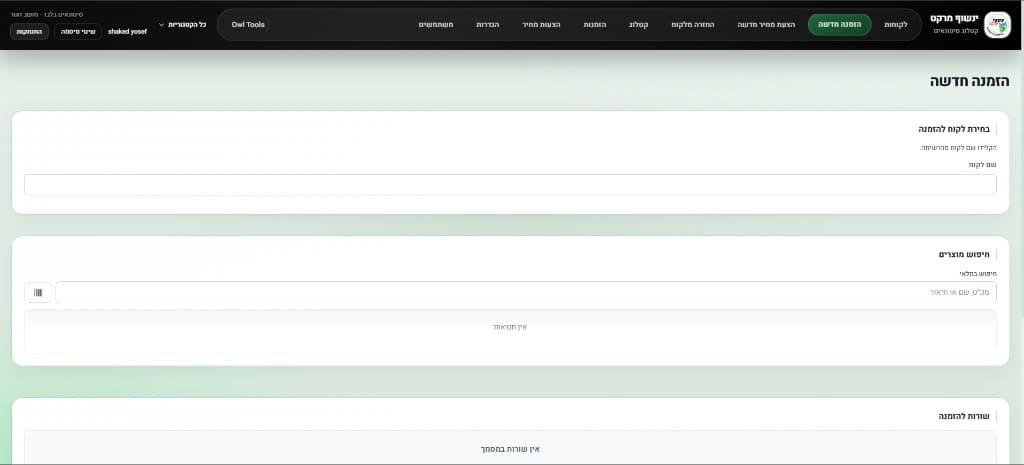
Most businesses already have good tools — accounting, an online store, a marketplace, a calendar. The problem is they don't talk to each other, and someone on the team acts as the cable that copies data between them. I build the connections: an order in the store creates an invoice, stock updated in the warehouse updates the marketplace, and a customer email lands in their record.
What usually hurts
Copying between systems
Every order, customer or payment is typed again into another system. It eats time and creates errors that surface at month-end.
Data that doesn't match
The store says in stock, the warehouse says sold out. One price on the site, another on the marketplace. Customers are let down.
Fragile connections
Drag-and-drop automations that break silently, until someone notices orders are missing.
What's included
- 01
Accounting and invoicing
Invoices, receipts, customers and products synced with your accounting software.
- 02
Stores and marketplaces
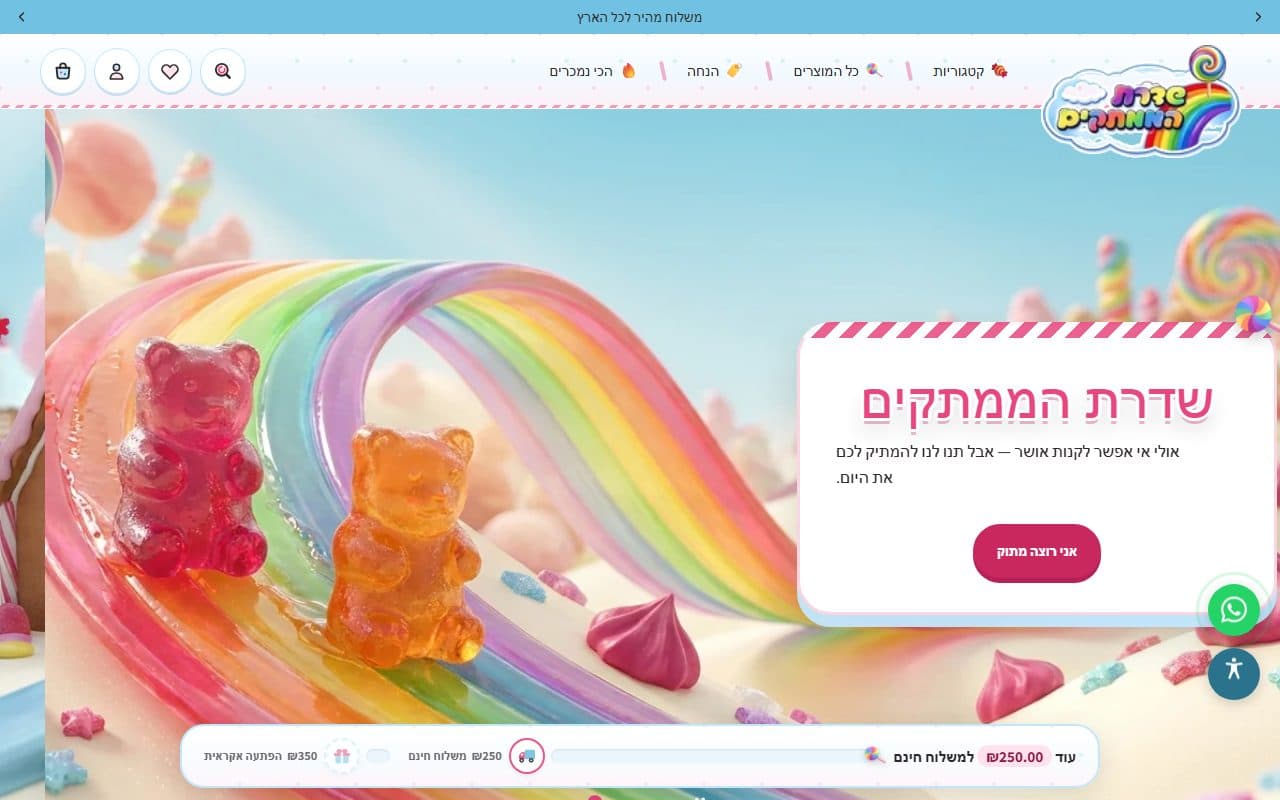
Orders, stock and prices synced between Shopify, your site and marketplaces.
- 03
Email and calendar
Incoming emails become requests, and meetings are booked and updated automatically.
- 04
Webhooks and APIs
Real-time connections, and your own API when another system needs to talk to you.
- 05
Couriers and shipping
Create shipments, labels and tracking with courier companies.
- 06
Monitoring and alerts
Every sync is logged, and a failure raises an alert instead of breaking silently.
How it works
Map the flow
What comes in, from where, where it needs to go, and which system is the source of truth for each field.
Check the APIs
Review what each system allows, its limits and how it authenticates.
Build and test
Build the connection with error handling and retries, tested on real data.
Initial sync
Align existing data between the systems before turning on the ongoing sync.
Monitor
Logs, alerts and quick fixes when a third-party system changes something.
Projects

Questions about this service
More questions? Read the FAQ
Why not Zapier or Make?
They're great for simple connections. When there's business logic, lots of data, or you need to be sure no order was dropped, a coded integration is more reliable and cheaper over time.
Which systems can you connect?
Almost any system with an API or import/export — accounting software, Shopify, marketplaces, Gmail, Google Calendar and more.
What happens when another system changes?
Monitoring alerts when something fails, so it's fixed before it affects the work.
Does the data go through your servers?
Integrations run on cloud infrastructure you own, and access keys are stored as server-side environment variables only.
Other services
- Business systemsCustom CRM, ERP/MRP, orders and inventory
- Data, reports & forecastingDashboards, automatic reports and forecasts from your data
- Web & mobile appsiOS, Android and web — from prototype to production
- AI agents & automationWhatsApp bots, smart assistants and automated workflows
- Websites & platformsFast sites with a CMS your team runs on its own
- Online storesShopify stores and online ordering built to sell
Contact
Have a system or app in mind? Let's talk.
Tell me what your team needs and I'll tell you how I'd build it. Call, message me on WhatsApp, or send an email.
+972 50-488-8987